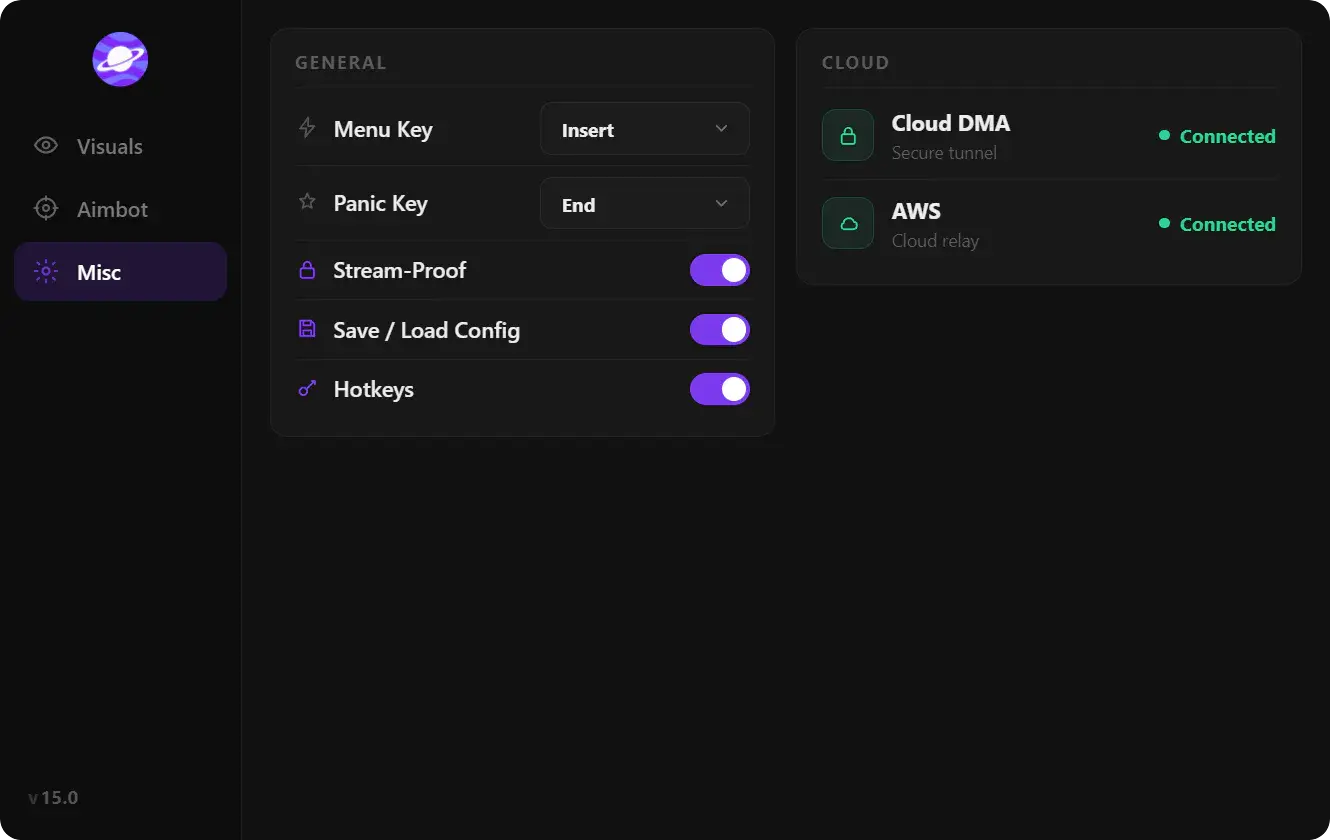
Palworld cheat settings
Palworld cheat settings: menu and unload keybinds, DPI scale, FPS limit, Murky and Sunny themes, watermark, EN/RU/CN language, plus create, load, rename, and delete configs.
Palworld cheat settings are the menu chrome: keys, DPI, overlay FPS, theme, watermark, and language. Config options sit next to them: create, load, rename, delete. Together they stop you from rebuilding Palworld aimbot, Palworld ESP, and Palworld exploits by hand after every restart.
This is not Palworld’s own video menu. The game is Unreal Engine 5. Steam stores client configs under %LOCALAPPDATA%\Pal\Saved\Config\Windows\. The overlay has a separate settings tab. Game FPS caps (30, 60, 90, 120, unlimited) are not the overlay FPS Limit. Overlay language is not Steam language.
Settings options
Set keys first. Then picture. Then language. A wrong menu key fights Palworld binds. Partner Skill is F on PC. Interact, throw, and glider already own a lot of the keyboard. Treat overlay keys as a third layer.
Menu Keybind
Menu Keybind opens and closes the overlay. Insert, Home, or a mouse thumb button that is not your aim hold key are the usual picks. Do not use F, E, or Left Alt if you still need those in Palworld.
If the menu never appears, another tool already owns that key. If it appears while you glider or open the Pal Box, move it. Re-check the bind after every Load Config. Profiles can restore an old key.
Unload Keybind
Unload Keybind tears the overlay down without killing Palworld. Easy Anti-Cheat still follows the game session. Unload only removes the draw and the menu. Put unload somewhere you will not tap while climbing or gliding.
Use unload when you tab into a clip, a screenshot, or a session where you want a clean HUD. Load the overlay again from the portal workflow when you want the tabs back. Unload is not a Palworld quit.
DPI Scale
DPI Scale sizes the menu and ESP text relative to your desktop DPI. Palworld runs well at 1440p and 4K. Ultrawide is a vert- camera in the stock client. A 100% overlay on a 4K 150% Windows scale looks tiny. A 150% overlay on 1080p looks huge and eats the Pal Box.
Match Windows display scale first, then nudge overlay DPI until names and sliders are readable at your normal sit distance. Do this before you cap FPS. A blurry menu is a scale problem, not a frame-limit problem.
FPS Limit
FPS Limit caps how hard the overlay draws boxes, skeletons, and the menu. Palworld’s own cap lives in the game video settings. If the game is at 120 and the overlay is unlimited, you can spend GPU time on ESP you cannot read anyway.
Set overlay FPS at or below the game cap. 60 is enough for menus and most ESP. Raise it if Battle Mode and skeleton work feel stuttery on a 144 Hz display. After a Palworld or EAC patch, confirm both caps. Client updates like to reset the game side.
Theme: Murky and Sunny
Theme is Murky or Sunny. Murky is dark chrome. It sits better on night Palpagos, caves, and oil-rig interiors. Sunny is light chrome. It sits better on deserts, Sakurajima daylight, and Fullbright sessions that already wash the world.
Theme does not change Palworld’s lighting. Fullbright in the exploits tab does that. Theme only changes the overlay so sliders stay readable on top of the biome you are in. Save one config per look if you swap a lot.
Watermark
Watermark is a corner tag on the overlay. It is a visibility choice, not a combat buff. Turn it on while you confirm the build loaded. Turn it off for recordings if you do not want the tag in the clip.
Watermark off does not unload modules. Aim, ESP, and exploits keep running. If you need a fully clean frame, use Unload Keybind, not watermark.
Language: English, Russian, Chinese
Overlay Language is EN, RU, or CN. Palworld itself ships many client languages, including English, Russian, Simplified Chinese, and Traditional Chinese. Steam sets that from Properties. Game Pass / Microsoft Store follows Windows or Engine.ini Culture. The overlay list is shorter on purpose.
Match the language you read hotkeys in. You can run Palworld in Japanese and the overlay in English. You can run both in Russian. Do not expect CN to switch the game to zh-Hans. That is still a Steam or Culture= change.
Config options
Configs are named snapshots of the whole overlay: settings plus aim, ESP, and exploits. Palworld playlists are different jobs. PvP does not want egg icons. Catch runs do not want Infinite Health on the pal. One profile per job.
Create Config
Create Config writes a new named file from the current sliders. Name it by job, not by date: pvp-hold, ore-night, catch-lowhp. After a Palworld patch, duplicate the working profile before you touch FOV or mining. You then have a rollback.
Load Config
Load Config applies a saved snapshot. Menu key, aim hold key, ESP layers, and exploit toggles all come back. Check keys first. A PvP profile that restores Insert while you rebound to Home will feel “broken” until you look at Settings.
Load after live status is clear. If Easy Anti-Cheat or the Palworld client just updated, load, then test in a private world before official servers.
Rename Config
Rename Config changes the label without wiping sliders. Use it when test2 becomes the real PvP file. Keep names unique. Two profiles called main is how you load the wrong Battle Mode hide set.
Delete Config
Delete Config removes a snapshot. It does not reset the live menu. Export or duplicate anything you still might need. Delete old patch profiles so Load Config stays a short list.
Settings and config comparison
| Area | Option | What it does | Watch-out |
|---|---|---|---|
| Settings | Menu Keybind | Opens the overlay | Do not steal Palworld F / interact binds |
| Settings | Unload Keybind | Drops the overlay, game stays up | Not a quit; EAC still follows Palworld |
| Settings | DPI Scale | Sizes menu and ESP text | Match Windows scale on 1440p / 4K |
| Settings | FPS Limit | Caps overlay draw rate | Separate from Palworld 30/60/90/120/unlimited |
| Settings | Theme (Murky, Sunny) | Dark or light menu chrome | Does not change world lighting |
| Settings | Watermark | Corner tag on/off | Off is not unload |
| Settings | Language (EN, RU, CN) | Overlay UI language | Not Steam or Game Pass client language |
| Config | Create Config | Saves a named snapshot | Name by job, then duplicate before patches |
| Config | Load Config | Restores sliders and keys | Re-check keybinds after load |
| Config | Rename Config | Relabels a snapshot | Keep names unique |
| Config | Delete Config | Removes a snapshot | Live menu stays until you load something else |
How configs sit next to Easy Anti-Cheat
PC Palworld loads Easy Anti-Cheat with the session. Settings and configs do not change that handshake. They only store how the overlay looks and which modules you left on. After a Palworld or EAC bump, wait for live status, load the profile, then re-test keys and DPI in a private world.
A practical set: Menu on Insert, Unload on a far key, DPI matched to Windows, overlay FPS at the game cap, Murky for caves, watermark off for clips, language EN unless you read RU or CN faster, then Create Config per job.
When you want this settings tab in a maintained PC suite, the palworld cheats pages list keybinds, themes, and config create/load next to the combat and vision modules.
FAQ
Is overlay language the same as Palworld language?
No. Overlay Language is EN, RU, or CN. Palworld language is a Steam Properties pick, or a Game Pass Engine.ini Culture value. You can mix them. Changing CN in the overlay does not rewrite the client to Simplified Chinese.
Should overlay FPS Limit match the game cap?
Stay at or below Palworld’s cap. The game offers 30, 60, 90, 120, and unlimited. Overlay FPS Limit only caps boxes and the menu. Unlimited overlay on a locked 60 Hz game wastes GPU on draws you will not see.
What is the difference between Unload and Watermark off?
Watermark off hides the corner tag. Modules keep running. Unload Keybind removes the overlay until you load it again. Use watermark for clips where you still want ESP. Use unload when you want Palworld alone.
Do configs include aim and ESP sliders?
Yes. Create Config snapshots settings plus combat and vision tabs. Load Config restores the hold key, FOV, ESP categories, and exploit toggles. That is why you re-check Menu Keybind after every load.
Where are Palworld’s own configs stored?
Steam Windows clients use %LOCALAPPDATA%\Pal\Saved\Config\Windows\. Overlay profiles are separate files from that folder. Do not paste overlay snapshots into GameUserSettings.ini. Load them from the overlay config tab.